

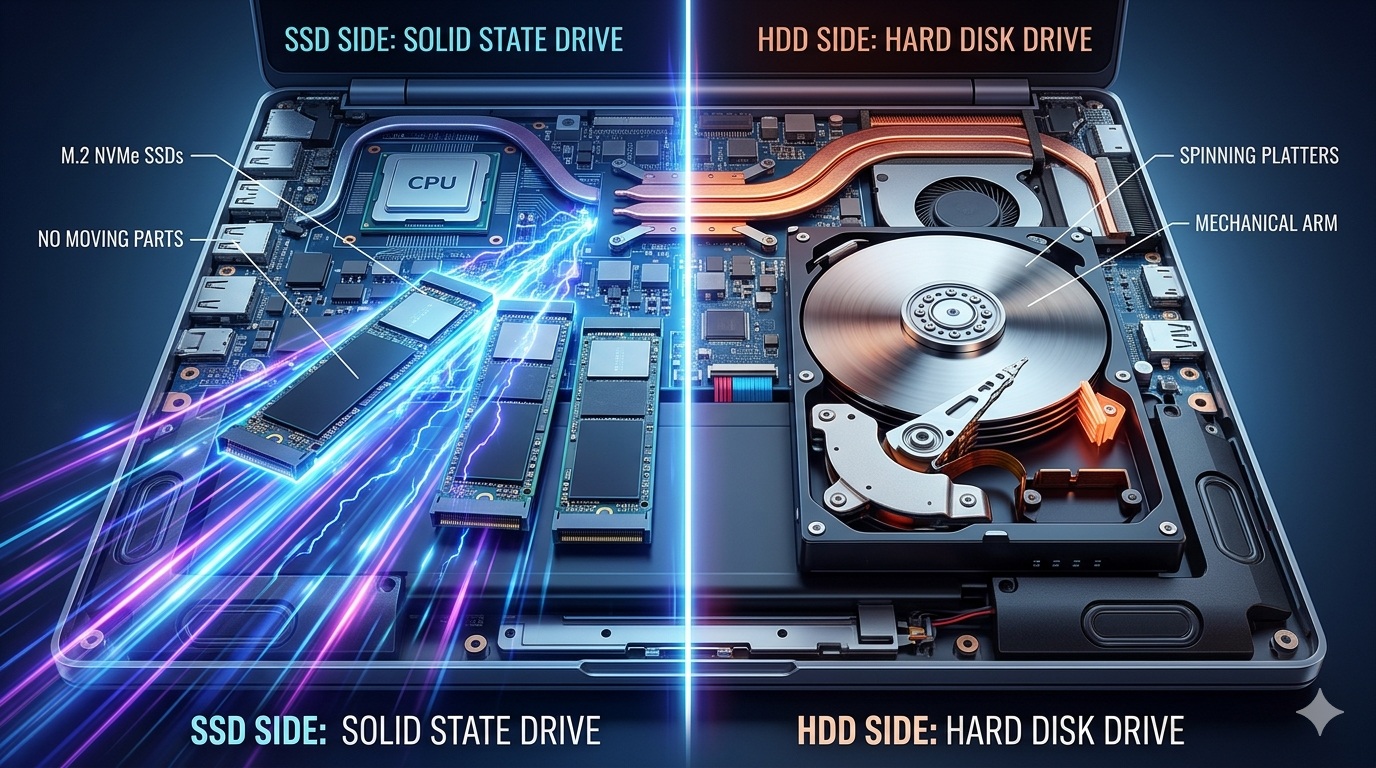
SSD vs HDD: Which Storage Option Is Better?
Storage is one of the most important parts of a laptop, yet many buyers ignore it. The choice between SSD and HDD can completely change your laptop’s performance.
Let’s break it down clearly.
What is HDD?
HDD (Hard Disk Drive) is traditional storage that uses moving parts.
Characteristics:
Mechanical spinning disk
Slower performance
Cheaper storage per GB
More prone to damage
What is SSD?
SSD (Solid State Drive) uses flash memory with no moving parts.
Characteristics:
Very fast performance
More durable
Silent operation
Higher cost per GB
SSD vs HDD Comparison
Speed
SSD is significantly faster.
Boot time: seconds (SSD) vs minutes (HDD)
App loading: instant (SSD) vs slow (HDD)
Durability
SSD wins.
No moving parts
More resistant to shock
Better for mobile users
Storage Capacity
HDD wins slightly.
HDD offers cheaper large storage
SSD is more expensive at high capacity
Performance Impact
SSD improves overall system performance dramatically.
Even a basic laptop feels fast with SSD.
Which One Should You Choose?
Choose SSD if:
You want fast performance
You use modern apps
You want better productivity
Choose HDD if:
You need large storage cheaply
You store heavy media files only
Best Option (Recommended):
SSD for system + optional HDD for storage
Final Verdict
If your laptop still uses HDD in 2026, it is already outdated in performance standards.
SSD is no longer optional—it is essential.
Internal Links
Best laptops → Student Laptop Guide
Laptop buying guide → How to Choose the Right Laptop
Laptop collection → Shop Now