

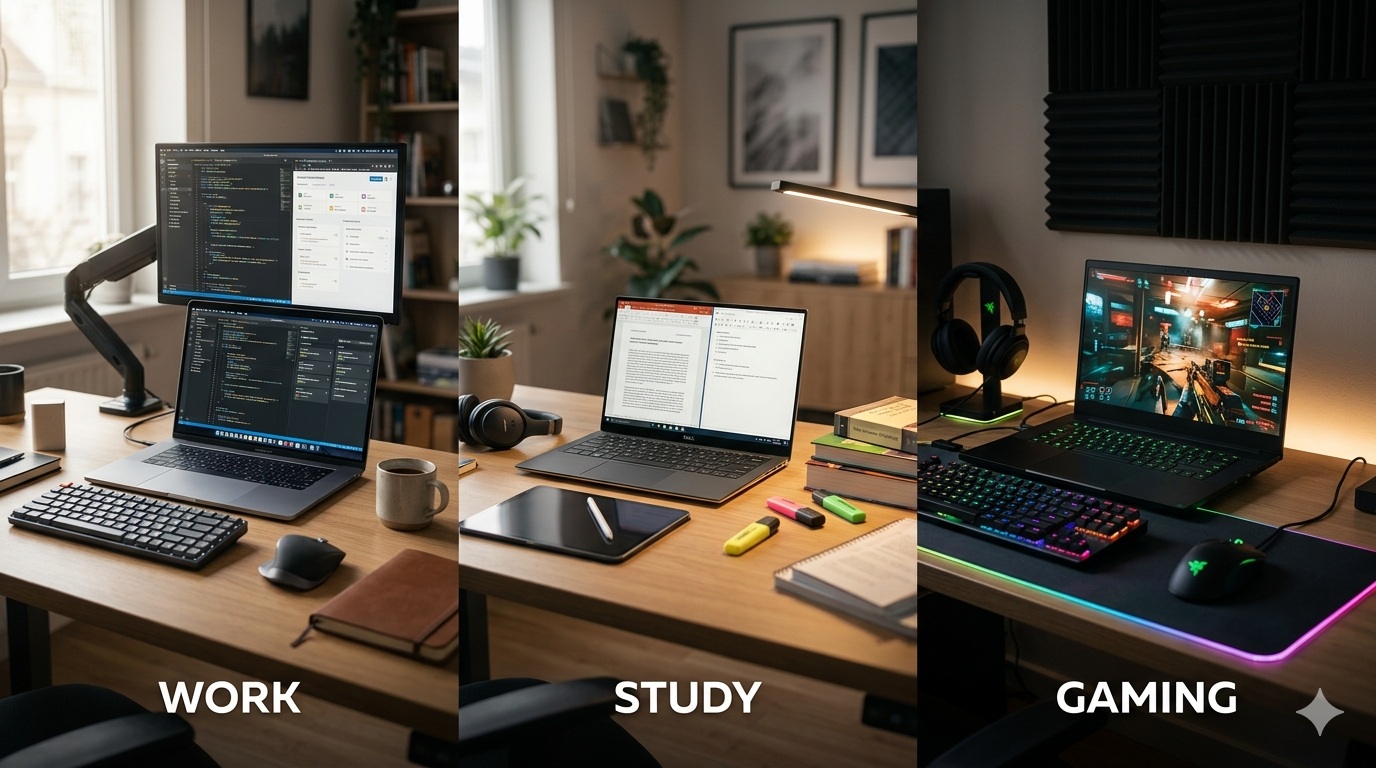
How to Choose the Right Laptop for Work, School, or Gaming
Buying a laptop without understanding your needs is one of the fastest ways to waste money. The right laptop depends entirely on how you plan to use it.
This guide breaks down laptop selection into three practical categories: work, school, and gaming.
Step 1: Define Your Use Case
Before looking at specs, answer this:
Will you use it for office work?
Are you a student?
Do you play games or use heavy software?
Your answer determines everything else.
Step 2: Understand Core Laptop Components
Processor (CPU)
The brain of the laptop.
Basic tasks → Core i3 / Ryzen 3
Everyday productivity → Core i5 / Ryzen 5
Heavy tasks/gaming → Core i7 / Ryzen 7
RAM
Controls multitasking.
8GB = basic use
16GB = smooth performance
32GB = heavy workloads
Storage
Speed vs capacity.
SSD = fast performance
HDD = slow, outdated
Always prioritize SSD.
Graphics Card (GPU)
Important for gaming and design.
Integrated GPU = basic use
Dedicated GPU = gaming & creative work
Choosing Based on Purpose
For Work (Office & Business)
You need reliability, not power overload.
Core i5
8GB RAM
SSD storage
Lightweight design
For School / Students
Focus on balance.
Core i3–i5
8GB RAM minimum
Long battery life
Portable design
For Gaming
Performance is everything.
Core i7 or Ryzen 7
Dedicated GPU (NVIDIA/AMD)
16GB RAM minimum
High refresh display
Mistakes to Avoid
Buying based on appearance
Ignoring upgrade potential
Choosing low RAM laptops
Overpaying for unnecessary specs
Final Advice
The right laptop is not the most expensive—it is the most suitable.
If you define your needs properly, you avoid overspending and underperformance.
Internal Links
Student laptops → Best Laptop for Students in Nigeria
Laptop collection → Shop Laptops
SSD vs HDD → Storage Guide
Contact page → Talk to an Expert